Your phone’s refresh rate, what does it acually mean?
You've probably come across numbers like 60Hz, 90Hz, 120Hz, or even 144Hz written on the spec sheet of a phone But what does "Hz" actually mean, and is it something you should even care about? This article break's it down for you.
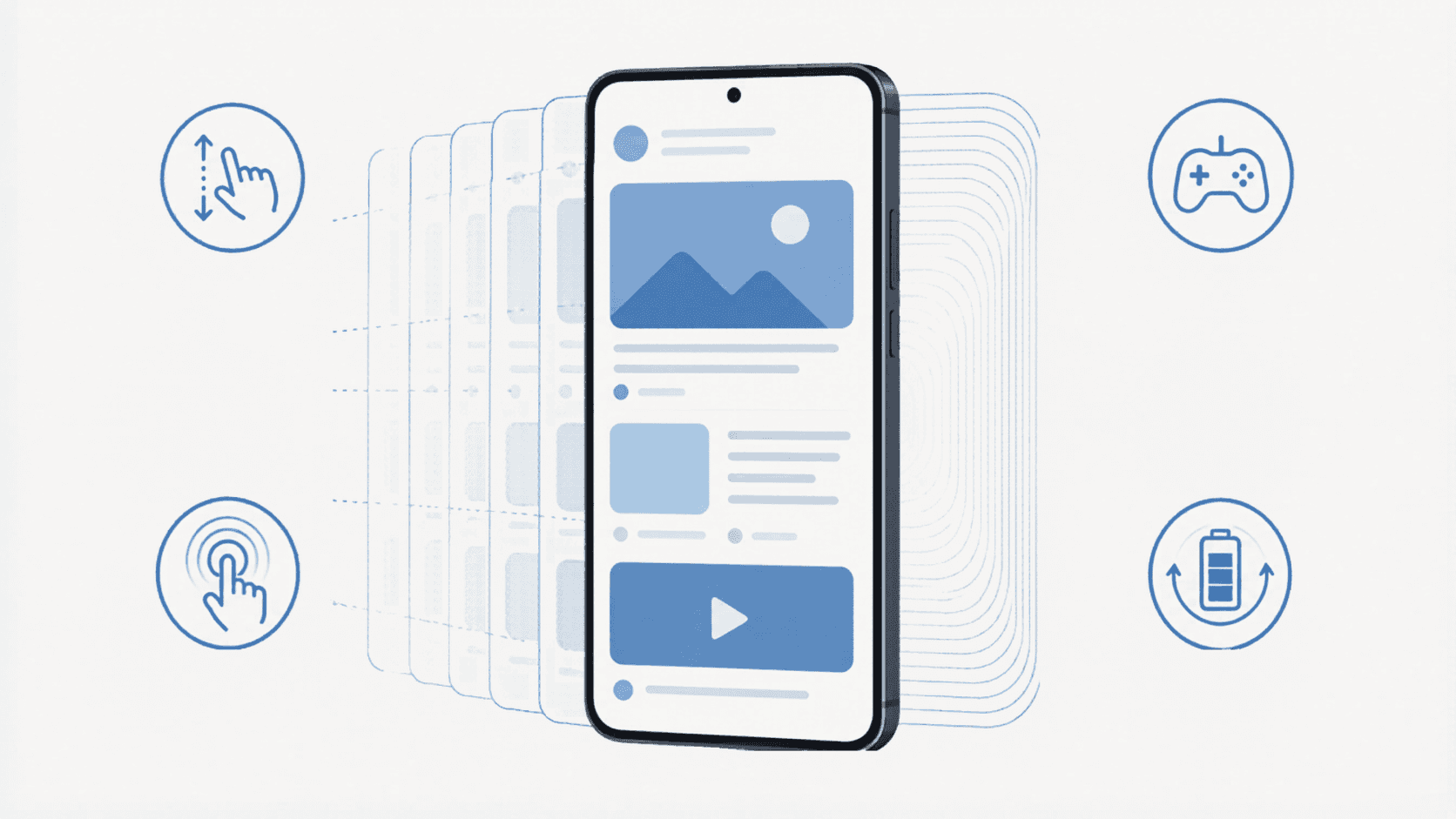
If you have ever spent up to five minutes looking at the packaging of a smartphone you bought, or searching up the details of devices you want to buy but cannot afford yet, you have probably come across numbers like 60Hz, 90Hz, 120Hz, or even 144Hz under the display section.
But what does “Hz” actually mean, and is it something you should even care about? This article is here to break it down properly. Let’s start with the basics.
What Hz Actually Means
Hz is short for Hertz, named after a German physicist called Heinrich Hertz, and it is a unit that measures how many times something happens in one second. In the context of a phone display, refresh rate is the number of times the screen redraws the image you are looking at every second. This article focuses on smartphones, but everything here also applies to your other devices with screens, including your laptop and your monitor.
A 60Hz display refreshes 60 times per second. A 90Hz display refreshes 90 times per second. A 120Hz display refreshes 120 times per second, and so on. Every refresh takes a specific amount of time. On a 60Hz display, each refresh takes about 16.6 milliseconds. On 120Hz, it takes around 8.3 milliseconds, half as long.
Your screen does not actually refresh the entire image all at once. Each horizontal row of pixels refreshes one after the other from top to bottom, and the cycle is called complete once every row has been updated. It happens too quickly for your eyes to notice, but it is happening constantly while your phone is on.
Why It Matters to Your Eyes
The human brain processes motion as a continuous flow. When your screen refreshes more times per second, the brain has more individual updates to work with, which makes movement on the screen feel smoother and more natural. Animations look cleaner, scrolling feels easier, and fast-moving content like games and videos look less blurry.
This is why a 120Hz screen will feel noticeably smoother than a 60Hz one when you scroll through your phone or play a fast-paced game. The brain is essentially being fed more information per second, and it stitches that into a smoother sense of motion.
The Common Refresh Rates
Most phones today fall into one of these categories.
60Hz is the baseline that has been the standard for years. Entry-level phones and older flagships, including iPhones before the iPhone 13 Pro(Iphone 17 was the first non-pro iphone with 120hz), all used 60Hz displays.
90Hz is common on mid-range phones and was popularised by phones like the OnePlus 7 Pro. It is a noticeable upgrade from 60Hz without being too demanding on the battery.
120Hz is now the standard on most flagships and many mid-range phones. Samsung’s Galaxy S series, Apple’s Pro iPhones, Google’s Pixel flagships, and others all run at 120Hz.
144Hz and above is mostly found on gaming phones like the Asus ROG series and some Xiaomi devices. The difference between 120Hz and 144Hz is real but much harder to notice unless you spend a lot of time gaming.
Static vs Adaptive Refresh Rate
Here is something a lot of people do not realise. A phone with a 120Hz display does not always run at 120Hz. There are two ways a display can handle refresh rate.
Write on Medium
A static refresh rate display runs at the same rate all the time, whether you are scrolling, gaming, reading, or just looking at a still wallpaper. This is simple but wasteful, because refreshing 120 times per second when you are just staring at a static image drains battery for no real benefit.
An adaptive refresh rate display can change its refresh rate on the fly based on what is happening on the screen. When you are scrolling or gaming, it goes up to 120Hz for smoothness. When you are reading a static page or looking at your lock screen, it can drop down significantly, sometimes as low as 1Hz on some flagships. This saves battery while still giving you the smooth experience when you need it.
LTPO, the Technology That Makes This Possible
Adaptive refresh rate is powered by a display technology called LTPO, short for Low Temperature Polycrystalline Oxide. The technical details are not important, but what it does is. LTPO panels can dynamically change their refresh rate across a wide range, from 1Hz to 120Hz on most flagship phones, all without you noticing the transitions.
You will see LTPO on flagship phones from major brands. It is more expensive to produce than standard OLED, which is why it is mostly limited to higher-end devices. This is one of the resaons why a 120Hz display on a flagship typically feels smoother and uses less battery than a 120Hz display on a budget phone, even though both technically have the same refresh rate.
Touch Sampling Rate, the Other Hz Number
There is another number measured in Hz that gets thrown around with refresh rate, and the two are often confused. Touch sampling rate is how many times per second your phone’s screen checks for input from your finger. It is a different thing from refresh rate, but they are related because both affect how responsive your phone feels.
A phone with a 120Hz refresh rate but only a 120Hz touch sampling rate will look smooth, but might feel slightly less responsive than a phone with a higher touch sampling rate. Gaming phones often have touch sampling rates of 240Hz, 480Hz, or even higher, because faster touch detection means quicker response times in games. For everyday use, most flagship phones today land somewhere around 240Hz touch sampling, which is more than enough.
The simple way to remember it is this: refresh rate is about how fast the screen shows you things, touch sampling rate is about how fast the screen registers what you do.
Where You Actually Notice the Difference
Refresh rate matters more in some situations than others. You will notice it when scrolling through social media, browsing the web, swiping through apps, or playing fast-paced games. Animations look smoother, scrolling feels less jerky, and games feel more responsive.
You will not notice it as much when reading static content, watching most video content since most videos are still mastered at 24, 30, or 60 frames per second, or doing tasks where the screen does not need to update quickly.
This is why adaptive refresh rate is such a big deal. The phone gives you the benefit of high refresh rate where you actually notice it, and saves battery where you do not.
The Diminishing Returns
The jump from 60Hz to 120Hz is dramatic, and almost everyone can tell the difference. The jump from 120Hz to 144Hz is real but subtle, and you mostly notice it in fast-paced gaming. The jump from 144Hz to 240Hz is even less noticeable, and beyond that you are mostly in territory that only competitive esports players and the very technically sensitive can perceive.
For phones specifically, 120Hz is the sweet spot where smoothness, battery life, and panel cost meet in the most reasonable place. There is a reason most flagship phones have settled there, and not pushed beyond it.
Long Story Short
Refresh rate is one of those specs that brands love to advertise, but understanding it properly helps you know what you are actually getting. Higher Hz means smoother motion, but how that translates to real-world use depends on whether the refresh rate is static or adaptive, what panel technology is being used, and what your touch sampling rate looks like. The number on the spec sheet is just one part of the story. Now you know the full gist.