A Used Phone Can Be a Great Deal. Here’s How to Make Sure It Is
If you are planning to buy a used phone, what can you do to protect yourself? Here is a checklist of things you should look out for
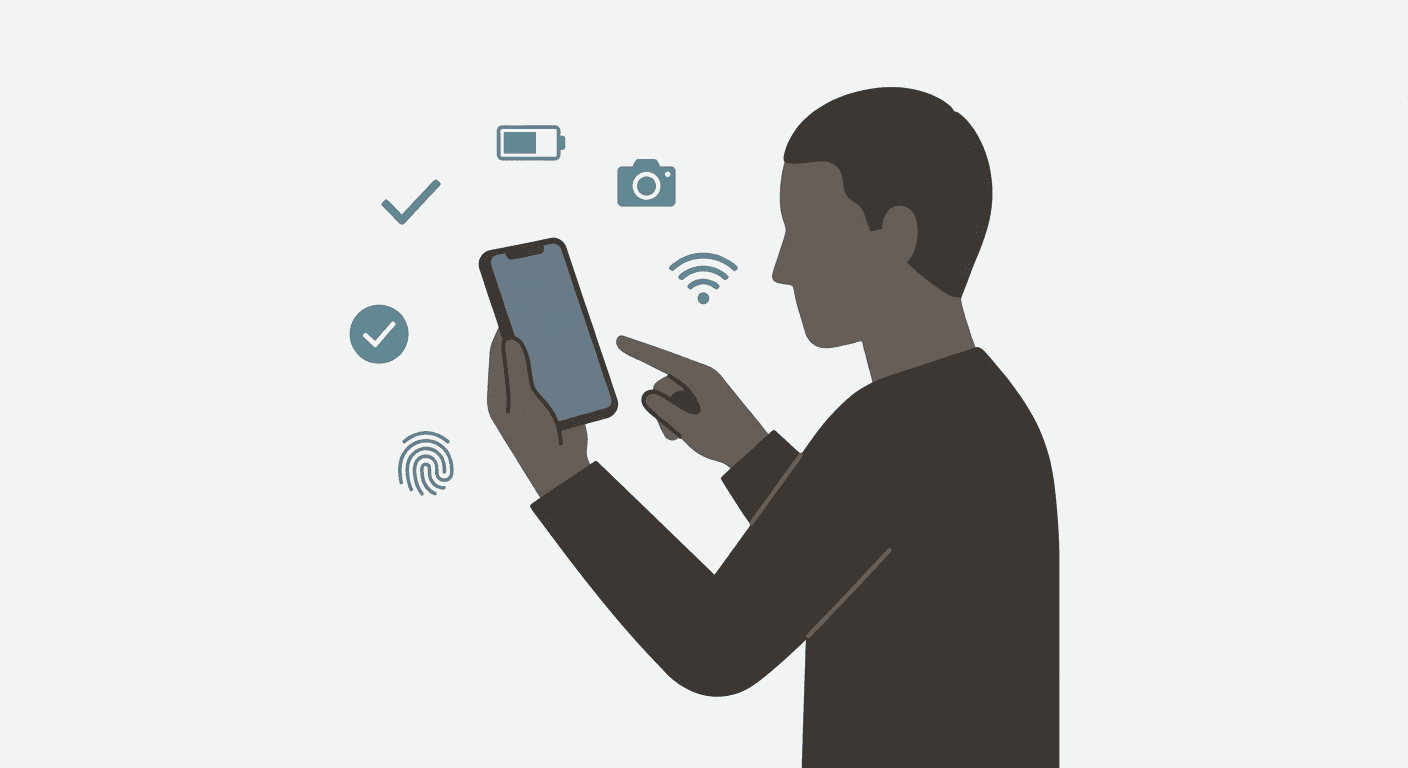
How to protect yourself when buying a used phone
An older flagship will always be a better choice over a brand new entry-level or even mid-range device. That is a hill I am willing to die on. I will make the full argument for it in another article, but for now, let us assume you agree with me, or at least you are not completely against it, and you are planning to buy a used phone. What can you do to protect yourself?
The fairly used phone market is usually not a bad place. You can genuinely find good deals there. But it is also a place where a lot of people have lost money, bought stolen devices, or ended up with phones that looked fine on the outside and fell apart two weeks later. The difference between a good purchase and a bad one is usually just how well you checked before handing over your money.
Start here: if you cannot test it, do not buy it. Not on Jiji, not from your cousin’s friend’s classmate, not from a seller who insists the phone is “working perfectly” but cannot meet you in person. If you cannot hold the phone in your hands, insert a SIM, and run through a few checks yourself, walk away. That is the golden rule, and everything else on this list assumes you are already following it.
Start With These
IMEI and blacklist status. The IMEI is your first line of defence. Dial *#06# to get the IMEI number, then run it through a reputable checker like IMEI.info to confirm the device is not stolen, blocked, or blacklisted. If the seller is uncomfortable with you doing this, that is your cue to leave.
Account locks. For iPhones, confirm that Find My iPhone is turned off and the previous Apple ID has been signed out. If it has not, you could end up with an expensive brick after a reset. For Android phones, confirm that the previous Google account has been removed and that Factory Reset Protection will not lock you out once you try to set it up fresh. Also check for MDM locks, especially if the phone is coming from a corporate or institutional source.
Repair history. Ask the seller directly whether any part of the phone has been replaced, including the screen, battery, motherboard, camera, or charging port. A seller who has nothing to hide will usually tell you. One who gets defensive is telling you something without saying it. That said, some sellers are convincing liars, so do not rely on their word alone. That is exactly why you need to check the phone yourself.
What to Check on the Phone Itself
Screen condition. Look for cracks, scratches, discolouration, burn-in, or uneven brightness. Swipe across the entire screen to check for ghost touch and test that the display responds properly everywhere, including the corners and edges.
Battery health. Used phones often have weak batteries. Check battery health in settings if the phone shows it. Watch for fast drain, sudden shutdowns, or swelling around the back of the phone. A faulty or damaged battery is a safety issue, not just an inconvenience.
Charging port. Plug a charger in. It should connect firmly and charge without interruption. If the cable wobbles excessively or the phone only charges at certain angles, the port may already be on its way out.
Buttons and physical controls. Press every button. Power, volume up and down, the silent switch if it is an iPhone, the camera or action button if it has one. They should click properly and respond every time.
Cameras. Open the camera and test everything. Front and rear cameras, zoom, autofocus, flash, video recording, and portrait mode if applicable. Check for blurry lenses or dust inside the camera module. Camera repairs are not cheap.
Speakers and microphone. Play music and listen for distortion. Make a call or record a voice note to confirm the microphone is working. Test the speakerphone too.
Connectivity. Test Wi-Fi, Bluetooth, and mobile data. Insert a SIM card and confirm the signal works. Do a speed test and compare it to another device on the same network. If the phone has NFC, test that too.
Biometric unlock. Set up Face ID, Touch ID, or the fingerprint sensor depending on the model. Make sure it actually works and is not just going through the motions.
Water damage. Check the SIM tray for corrosion or rust. Look for fog or moisture under the cameras. Check the charging port and speaker openings for stains or residue. Phones with water damage can work fine for a while before becoming very expensive problems.
Performance. Open a few apps, switch between them, browse something, and notice if the phone hesitates, heats up quickly, or stutters. Even if you are not a heavy user, load up something demanding like a game. Turn on mobile data and hotspot for a bit and pay attention to how fast it heats up and how long it stays hot.
Before You Agree on a Price
Ask for a factory reset. Ask the seller to reset the phone in front of you and let you go through the setup process yourself, even briefly. This confirms it activates normally and that no device lock surprises you later.
Look for signs of tampering. Inspect the frame and edges. Missing screws, warped casing, glue marks, or poorly fitted screens are signs the phone has been opened and reassembled. It is safer to assume the work was not done well unless you have a reason to think otherwise.
Accessories and box. The box, original charger, cable, and receipt are not required, but they add trust and make resale easier later. That said, some resellers know how to source fake boxes and seal them up to pass off an older phone as something newer. If someone is trying to sell you a phone released three years ago as brand new, they likely packaged it themselves. Be suspicious of that.
Price versus condition. Compare the price against the phone’s actual condition, age, storage size, battery health, and any repairs that have been done. A cheap price is not a good deal if a screen replacement, battery swap, or port repair is coming in the next three months or sooner.
Seller credibility. Whether you are buying from a reselling website, a reseller’s store, or an individual, check their reviews, their return policy, and how they respond to your questions. Someone who is impatient with basic questions is someone you do not want to buy from. If you can get a recommendation from someone who has bought from them before, even better. Also make sure you get a receipt or written acknowledgement of the sale from the seller. If something goes wrong later, it is your only proof of the transaction.
Long Story Short
The fairly used phone market can work in your favour, but only if you do the work before you pay. Most people who have bad experiences skip one or two of these checks, trust a seller they should not have, or feel too awkward to ask the right questions. Do not let that be you. Take your time, run through this list, and if anything feels off, trust that feeling. If you have a friend who knows phones, bring them along.
A good deal is still a good deal after 30 minutes of checking. If the seller cannot wait that long, the deal was never good